Nonogram picture puzzles
Hatchwork: Play Nonogram Puzzles Online Free
Fill the grid, follow the numbers, reveal the picture. 364 original picture logic puzzles from 5×5 to 25×25, each one checked to be solvable by logic alone. Free in your browser, no download, no account, no ads.
- 364 puzzles
- 5×5 to 25×25
- Daily puzzle
- Free in your browser
Android app coming soon to Google Play.
A few of the pictures waiting in the grid
- Owl
- Teapot
- Pine Tree
- Lighthouse
- Rocket
- Guitar
- Fox Portrait
- Cupcake
About the game
A calm nonogram game where logic always wins
Hatchwork is a calm nonogram game, also known as griddlers, hanjie or picture cross puzzles. Each number tells you how many cells in a row or column are filled: use logic to fill cells and mark the empty ones, and a hidden pixel picture appears.
Every one of the 364 original puzzles is checked by a line solver, so there is exactly one solution and you can always reach it by pure logic, without guessing. Grids range from 5×5 for beginners to 25×25 for experts, with zoom, panning and clue numbers pinned to the edges so big grids stay readable on any screen.
Play it free in your browser with mouse, touch or keyboard: no download, no account and no ads. Every move is saved in your browser as you go. An Android app is coming soon to Google Play.
Puzzles come in ten themed packs that open as you solve, from 5×5 First Steps to the 25×25 Big Canvas scenes. Inside a pack, puzzles are ordered by size and by how many solving steps they take, so the difficulty climbs gently. On top of that, a daily puzzle from a reserved pool of 100 is the same for every player on the same date, and solving it keeps your streak alive.
Key features
No guessing, ever
Every puzzle is verified by a solver: exactly one solution, always reachable by logic, line by line.
Big grids that fit your screen
Zoom with the buttons, a pinch or Ctrl + wheel, and pan with the Move tool. Clue numbers stay pinned while you scroll, and you can drag to fill or cross whole lines.
Relaxed or Classic
Relaxed mode has no lives, no checking and no penalties. Classic mode catches and counts wrong marks but never ends a puzzle early. Undo and redo anything.
Hints that teach
A hint fixes a wrong mark or reveals a cell you could have deduced, and outlines the line that proves it. Auto-cross and row and column highlighting help on big boards.
10 packs and a daily puzzle
Packs such as Critters, Kitchen, Wild Places, Journeys, Night Sky and Mosaics unlock as you play, plus a daily puzzle that is the same for everyone, with streaks.
Gallery and stats
Every picture you reveal stays in its pack with its stars and best time, and the stats screen tracks streaks, solves by size and time spent solving.
Easy on the eyes
Light and dark themes (or follow your system), a large clue numbers option, colour-blind-safe signals and full keyboard play.
Saves as you go
Every mark is saved in your browser, so you can close the tab and continue later. No account, no download and no ads in the browser version.
Rules in a minute
How to play nonograms
- Each row and column has a clue: the lengths of its runs of filled cells, in order. "3 1" means a run of 3, at least one empty cell, then a run of 1. A clue of 0 means the line is empty.
- Pick the Fill tool and click or tap a cell you can prove is filled. Drag to fill several cells in a straight line.
- Switch to the Cross tool (or right-click) to mark cells you know are empty. Crosses are notes for you, and they make the next deductions easier.
- Start with the biggest clues: in a 10-cell row, a clue of 7 must cover the middle 4 cells wherever it sits. Then use the cells you found to unlock the crossing columns.
- Finished lines turn grey and their blanks are crossed for you. Stuck? A hint reveals one provable cell and outlines the line that proves it.
- When every row and column matches its clue, the picture is revealed. Fewer hints (and, in Classic mode, no mistakes) earn more stars.
Controls in the browser
- Mouse
- Click to fill, right-click to cross, drag to paint a line. Ctrl + wheel zooms.
- Touch
- Tap with the Fill or Cross tool, drag for lines, pinch to zoom, two fingers to pan.
- Keyboard
- Arrows move, Space fills, X crosses, Ctrl+Z undoes, H gives a hint, P pauses.
Screenshots
Inside the browser game
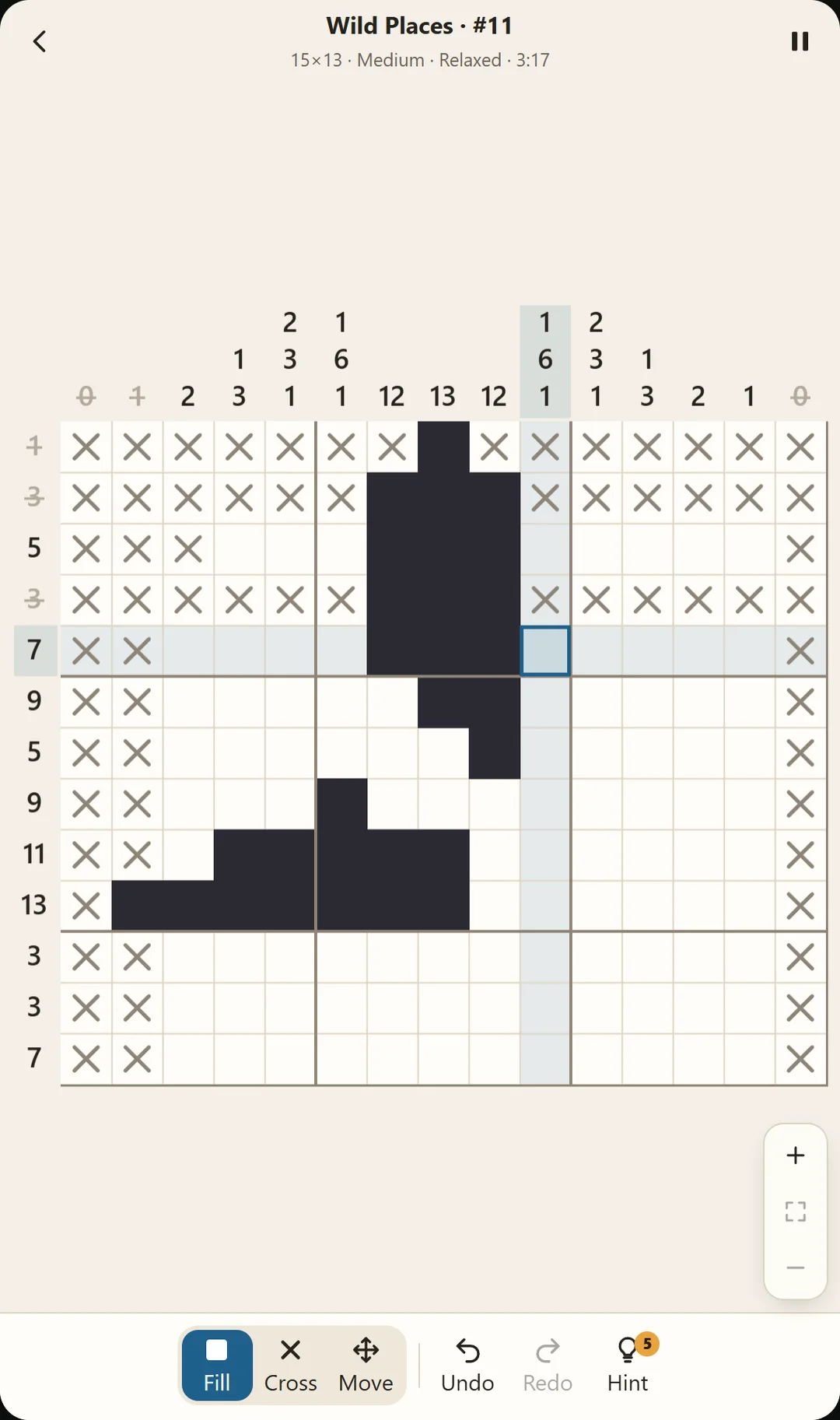
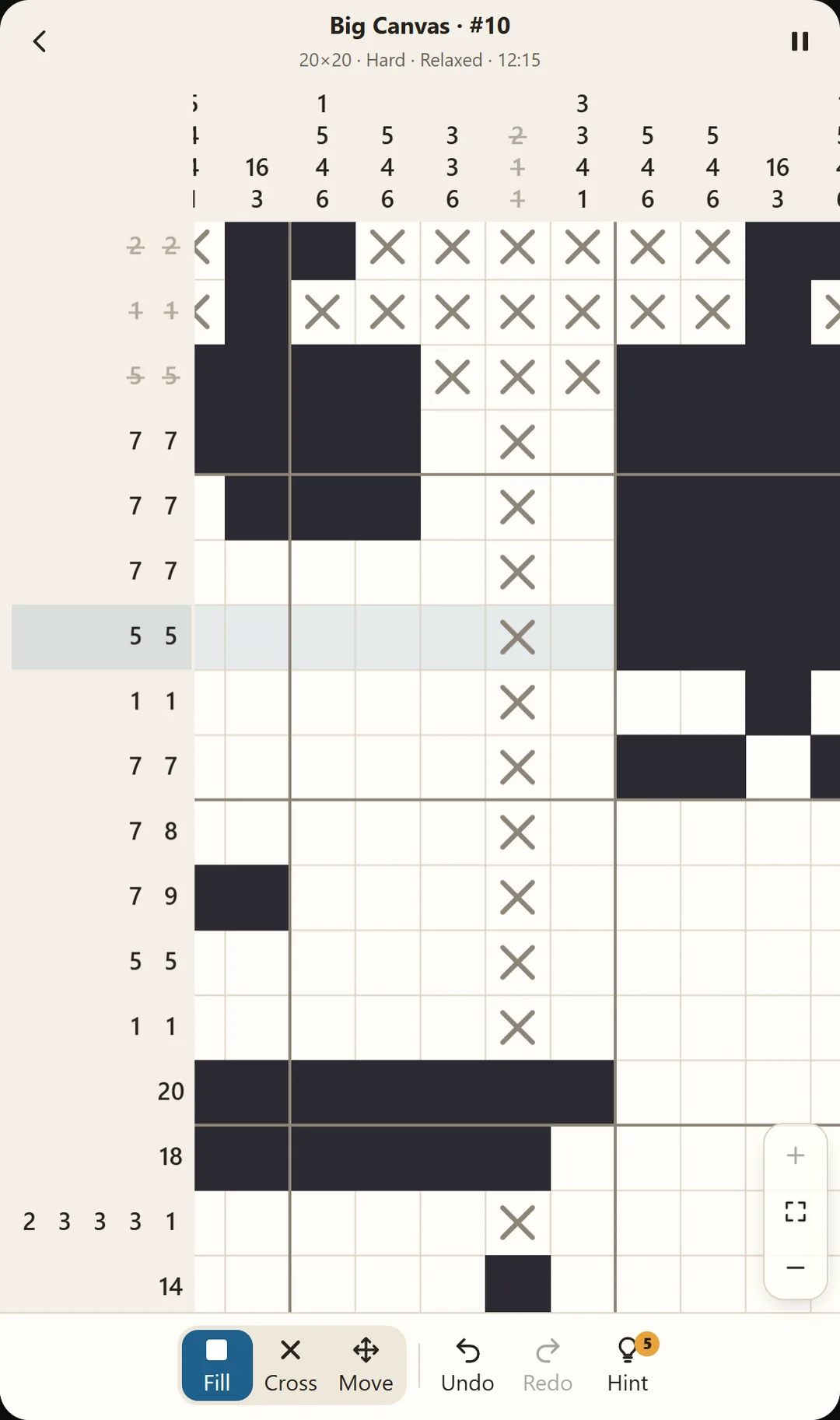
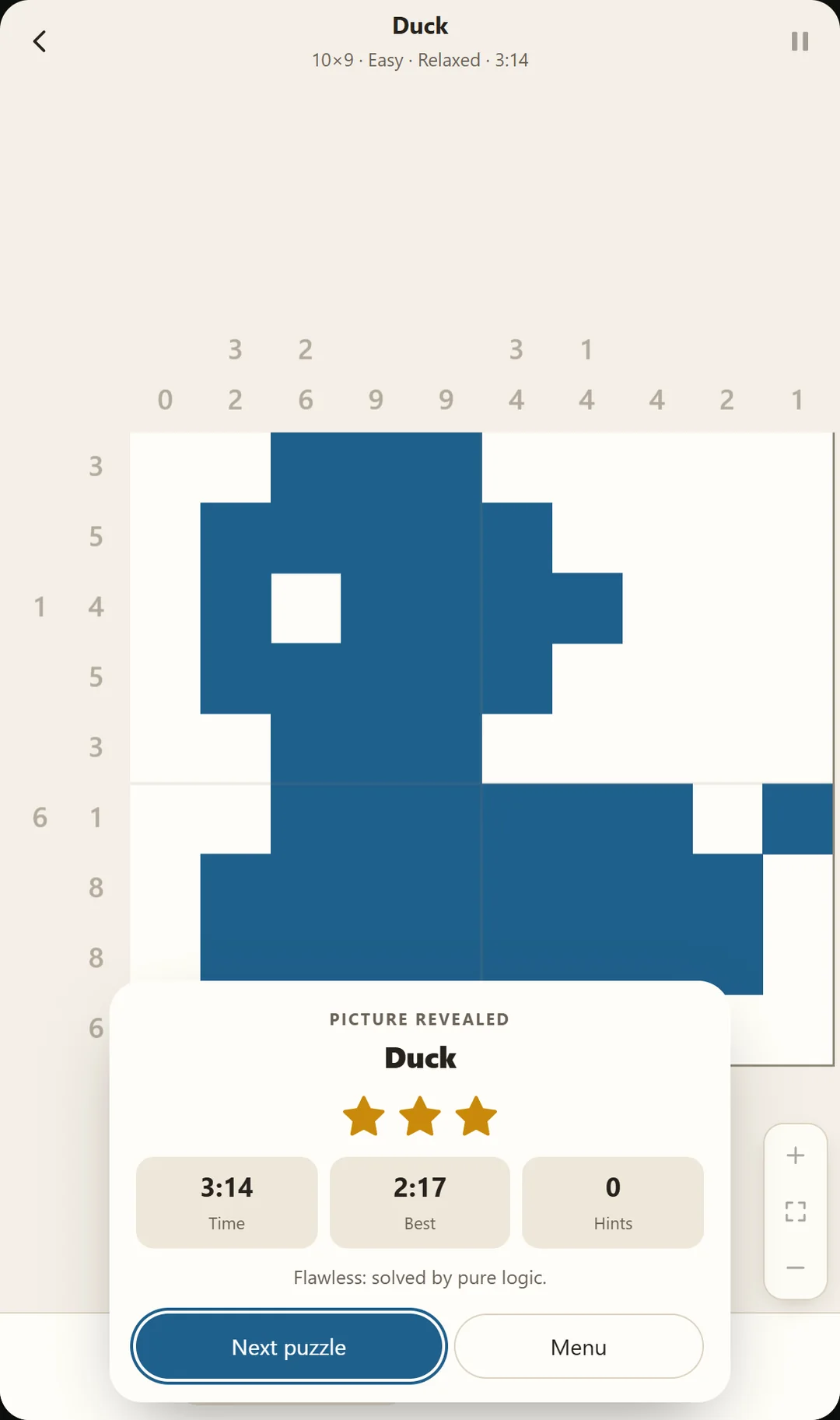
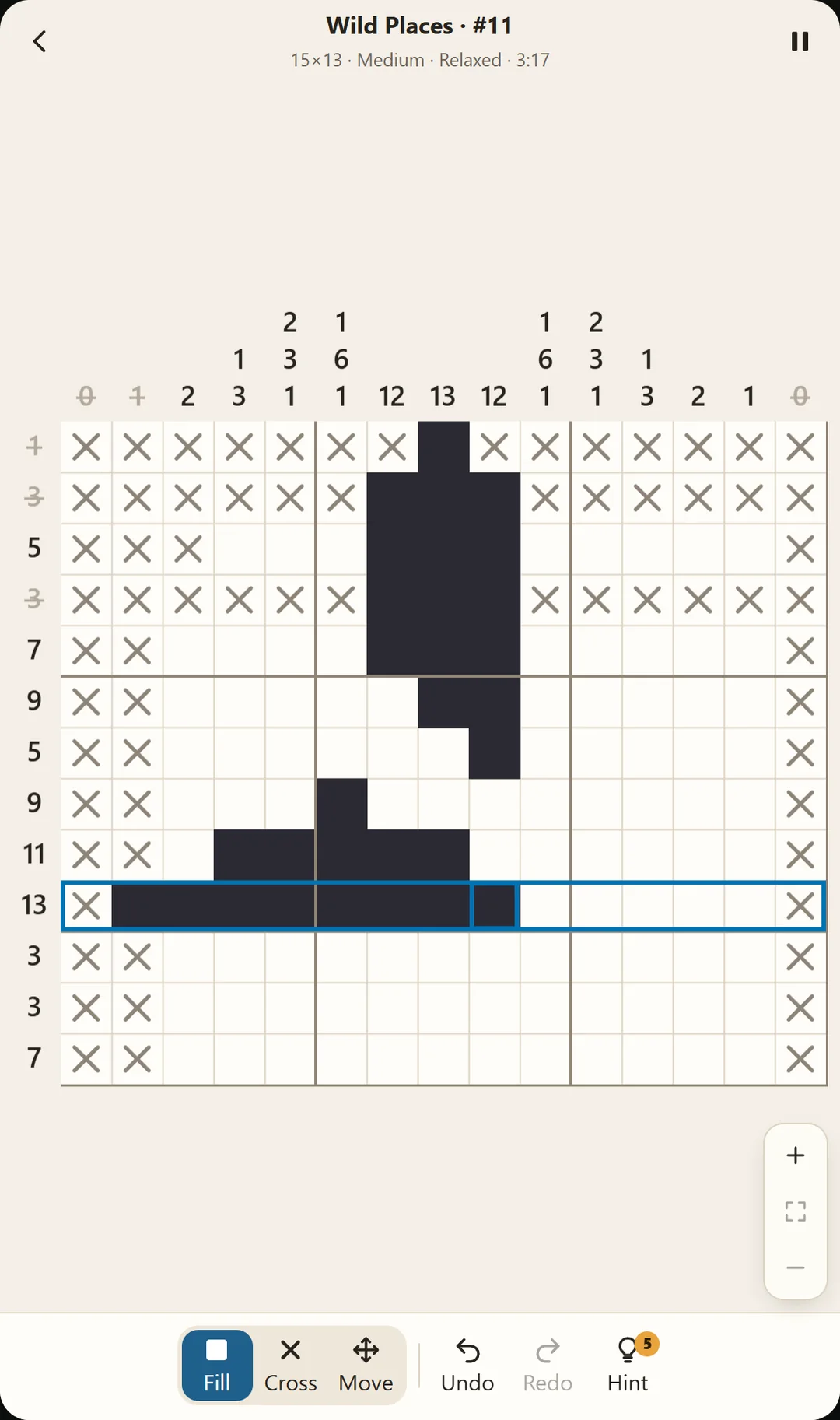
Captured from the web version you can play above: the same puzzles, tools and themes.
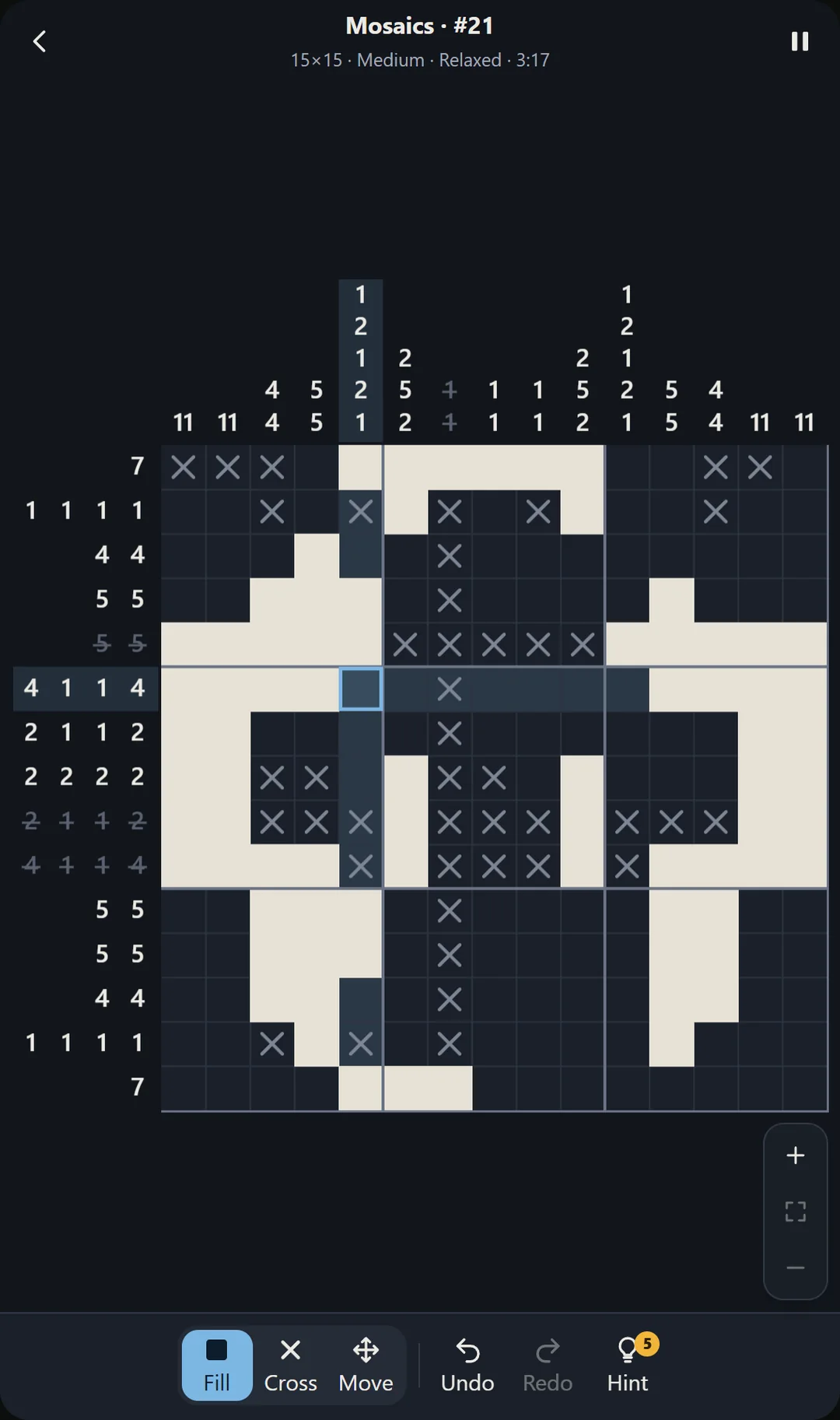
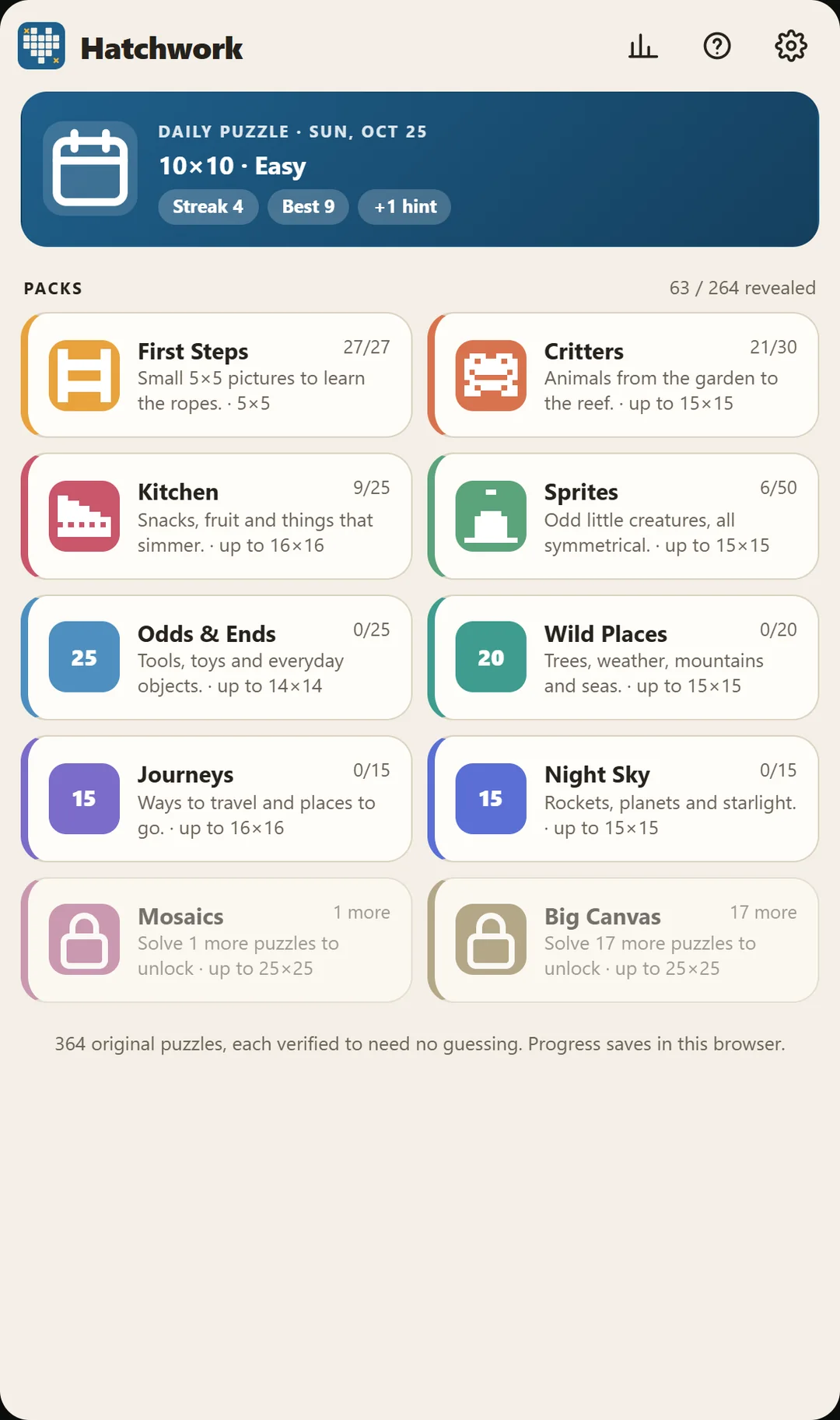
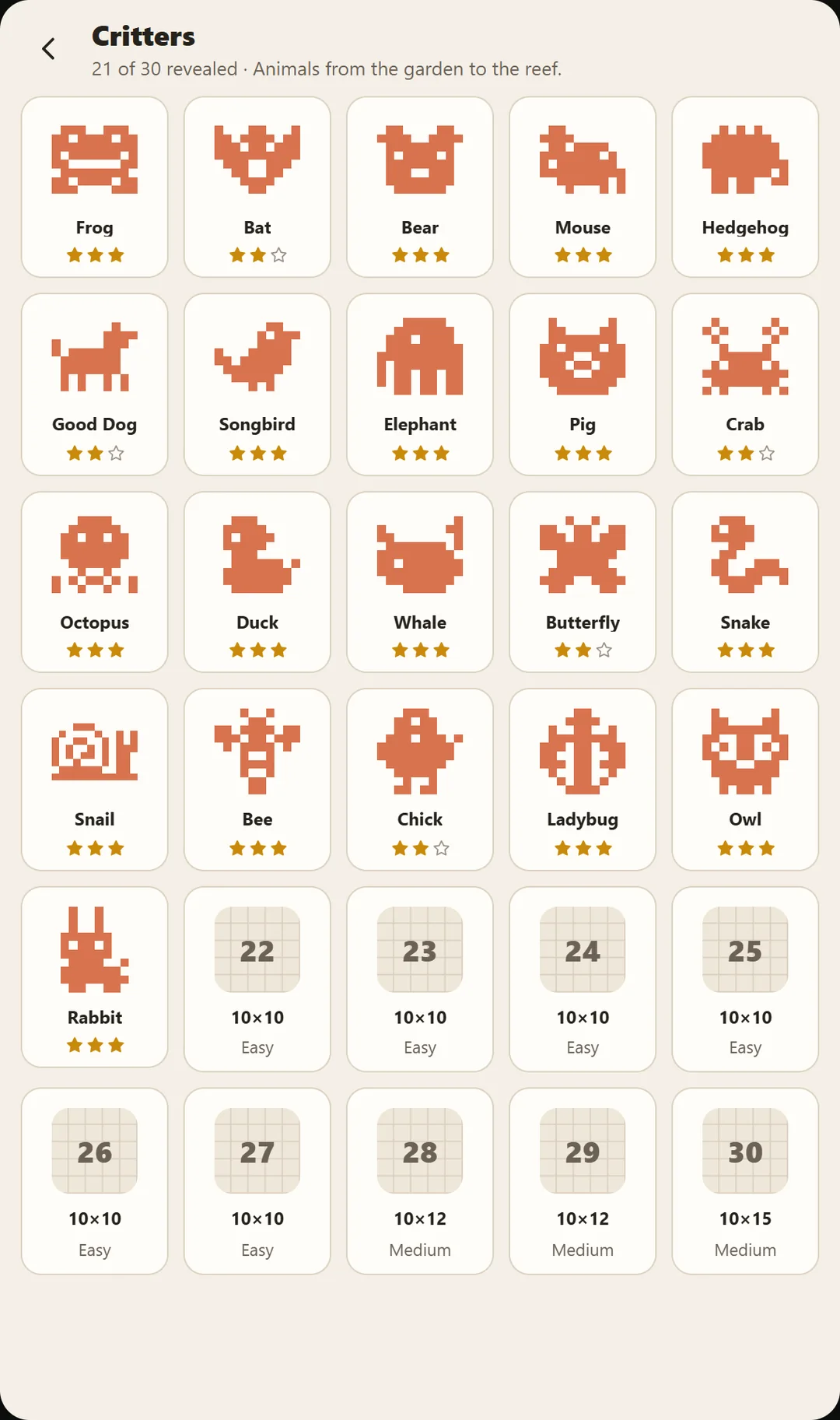
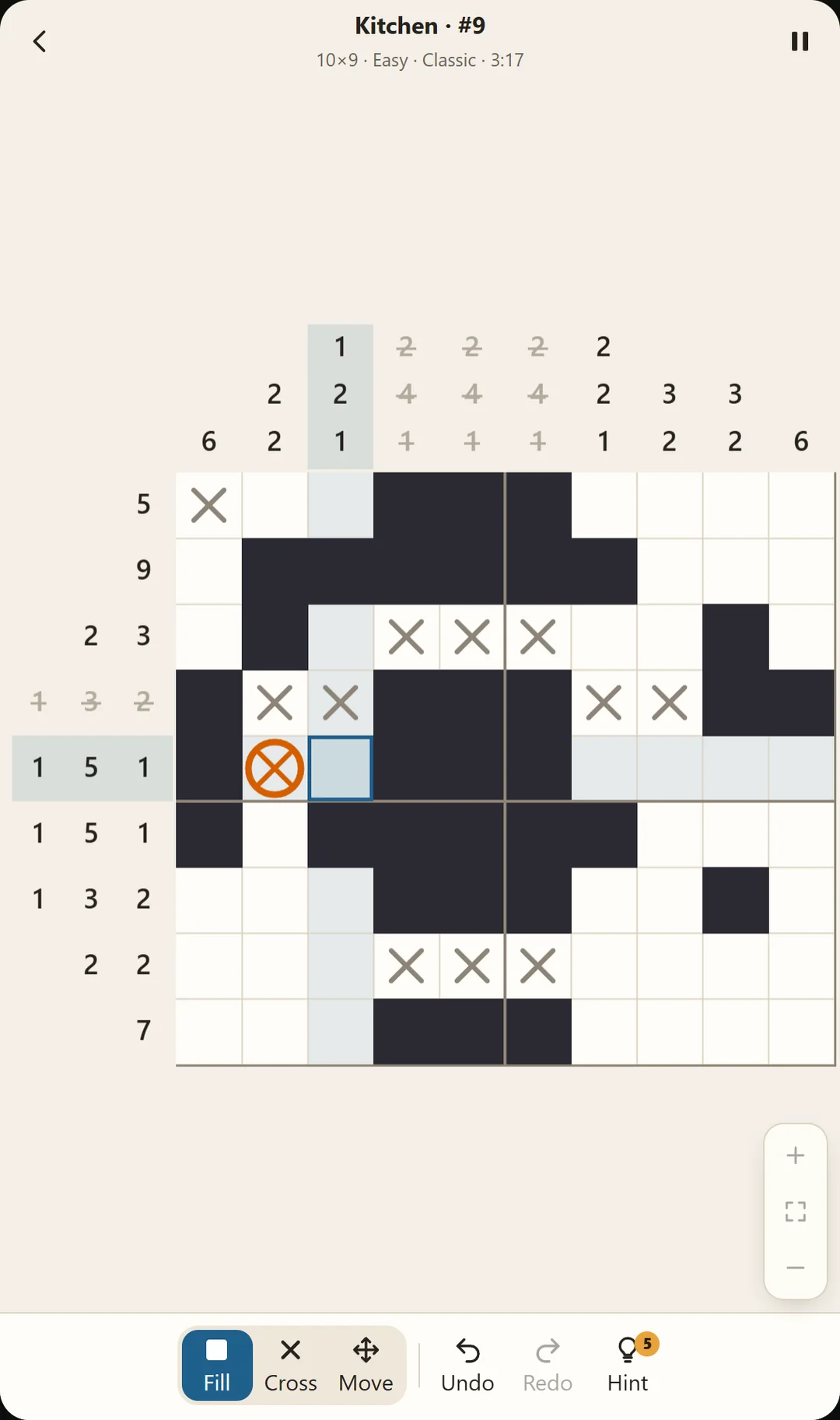
- Logic pictures, no guessingEvery puzzle has exactly one solution
- Big grids up to 25×25Zoom and pan, clue numbers stay pinned
- Reveal the hidden pictureStars and a best time for every puzzle
- Hints that teachSee which line proves the revealed cell
- Dark mode for night solvingLight, dark or match your system
- Ten packs and a daily puzzlePacks unlock as you solve, with daily streaks
- Your gallery growsEvery solved picture is kept with its stars
- Relaxed or Classic modeClassic catches wrong marks, never game over
10 packs · 264 puzzles + 100 daily
From 5×5 warm-ups to 25×25 canvases
Packs unlock by the number of pictures you have revealed, so there is always a next step but never a wall. Hand-drawn packs hold animals, food, objects, landscapes, vehicles and space scenes; Sprites and Mosaics are symmetric patterns generated from fixed seeds and verified like the rest.
First Steps
Small 5×5 pictures to learn the ropes.
27 puzzles · 5×5
Open from the startCritters
Animals from the garden to the reef.
30 puzzles · 10–15 cells wide
Opens after 4 solvedKitchen
Snacks, fruit and things that simmer.
25 puzzles · 10–16 cells wide
Opens after 10 solvedSprites
Odd little creatures, all symmetrical.
50 puzzles · 10–15 cells wide
Opens after 16 solvedOdds & Ends
Tools, toys and everyday objects.
25 puzzles · 10–14 cells wide
Opens after 22 solvedWild Places
Trees, weather, mountains and seas.
20 puzzles · 13–15 cells wide
Opens after 32 solvedJourneys
Ways to travel and places to go.
15 puzzles · 15–16 cells wide
Opens after 42 solvedNight Sky
Rockets, planets and starlight.
15 puzzles · 13–15 cells wide
Opens after 52 solvedMosaics
Big symmetric tiles for long sessions.
45 puzzles · 15–25 cells wide
Opens after 64 solvedBig Canvas
Large, detailed scenes up to 25×25.
12 puzzles · 20–25 cells wide
Opens after 80 solved
Tips & strategy
Solve faster without guessing
Overlap the big clues
Slide a run as far left as it can go, then as far right. Any cell covered in both positions is filled. A single clue larger than half the line always gives you cells, as the diagram shows.
Read zeros and full lines first
A 0 means the whole line is empty, and a clue equal to the line length fills it completely. Clues that add up exactly, like "4 5" in 10 cells, also settle the whole line.
Work from the edges
A filled cell touching the border must belong to the first (or last) run of that line, so you can extend it to the run’s full length and cross the cell after it.
Cross as you go
Crosses are information. Once a run is complete, cross both ends. Cells that no run can reach are empty too. Auto-cross does this for finished lines.
Alternate rows and columns
Every new cell changes the crossing line. Sweep the rows, then the columns, and repeat: every Hatchwork puzzle is solvable this way, one line at a time.
Zoom on big boards
On 20×20 and 25×25 grids, zoom in to a corner and solve it locally. The clue strips stay pinned, and highlighting shows exactly which clues belong to the cell under your pointer.
Nonogram, griddlers, hanjie: one puzzle, many names
The puzzle was published in Japan in the late 1980s and spread under many names: nonograms, griddlers, hanjie, paint by numbers, pixel logic and Japanese crosswords. The rules are the same everywhere. What changes from app to app is fairness: Hatchwork only ships puzzles that a strict line-by-line solver can finish, which means you never reach a point where the only way forward is a coin flip.
FAQ
Questions about Hatchwork
Still wondering about something? Our support page and email are listed below.
What is a nonogram?
A nonogram is a picture logic puzzle on a grid. The numbers beside each row and above each column tell you the lengths of the runs of filled cells in that line. Work out which cells are filled and which are empty, and a pixel picture appears. Nonograms are also called griddlers, hanjie, paint by numbers or Japanese crosswords.
Is Hatchwork free to play online?
Yes. The browser version is completely free, with no download, no account and no ads. Open the page and start solving on a computer, tablet or phone.
Will I ever have to guess?
No. Every one of the 364 puzzles was checked by a line solver before it shipped: each has exactly one solution, and you can always reach it by looking at one row or column at a time. If you feel stuck, there is always a line that gives you a new cell.
How do hints work?
You get 3 free hints each day, plus 1 for every daily puzzle you solve. In Relaxed mode a hint first fixes a wrong mark if you made one. Otherwise it reveals a cell that a single row or column already proves, and outlines that line so you can see the reasoning.
What is the difference between Relaxed and Classic mode?
Relaxed (the default) never checks your marks: you finish when every clue is satisfied. Classic catches a wrong mark at once, corrects it with a ringed symbol and counts it as a mistake, which affects your stars. Neither mode has lives, so a puzzle never ends early. You choose the mode in Settings, and it is fixed for each puzzle when you start it.
Can I play the big 25×25 puzzles on a phone?
Yes. Pinch or use the zoom buttons to enlarge the grid, pan with two fingers or the Move tool, and the clue numbers stay pinned to the edges so you always see the clues for the cells in view. Fullscreen mode gives you the most room.
Is my progress saved?
Yes, automatically, in your browser on this device: solved pictures, stars, best times, streaks and every unfinished board. Nothing is sent to a server. Clearing your browser data for this site, or using a private window, removes the saved progress.
Can I play with a keyboard?
Yes. Use the arrow keys to move the cursor, Space to fill, X to cross, Ctrl+Z and Ctrl+Y to undo and redo, H for a hint, + and − to zoom and P to pause. Hold Shift while moving to keep painting.
Is there a Hatchwork app for Android?
An Android app is coming soon to Google Play, with the same puzzles plus offline play and save-code transfer between phones. Until then you can play the full game free in your browser.
Are the pictures original?
Yes. 169 pictures were drawn by hand for Hatchwork, from cats and teapots to rockets and tall ships, and the Sprites, Mosaics and daily puzzles are generated from fixed seeds. There are no characters, logos or traced artwork.
Game details
- Platform
- Web browser (desktop, tablet, phone) · Android app coming soon to Google Play
- Genre
- Puzzle · nonogram / picture logic
- Price
- Free · no ads or account in the browser
- Puzzles
- 264 in 10 packs + 100 daily · 5×5 to 25×25
- Controls
- Mouse, touch or keyboard
- Developer
- GameHub Official
Help & privacy
Questions or a bug to report? Write to us and we will help. You can also read exactly how the game handles your data.
More puzzle games
Petal Recall
PuzzleA relaxing memory card game. Find the pairs, clear your mind.
Gridlore
PuzzleLogic grid puzzles with explained hints. Always solvable. Play free in your browser.Play free onlineAndroid soon
Puttwright
PuzzlePuzzle mini golf with fair physics: 54 handcrafted holes, free in your browser.Play free onlineAndroid soon
Starmosaic
PuzzleStar Battle logic puzzles with one solution each. Daily puzzle. Free in your browser.Play free onlineAndroid soon