Free · in your browser · no sign-up
NimbletapReaction Time TestFree online reflex test, in milliseconds
Wait for the ring to turn green, tap, and get your reaction time in milliseconds. Then go further with five more drills: an aim trainer, a choice reaction test, a go/no-go test, a precision drill and a stopwatch timing game.
- 01WAITAmber ring. Hold still.
- 02TAPSolid green disc. React!
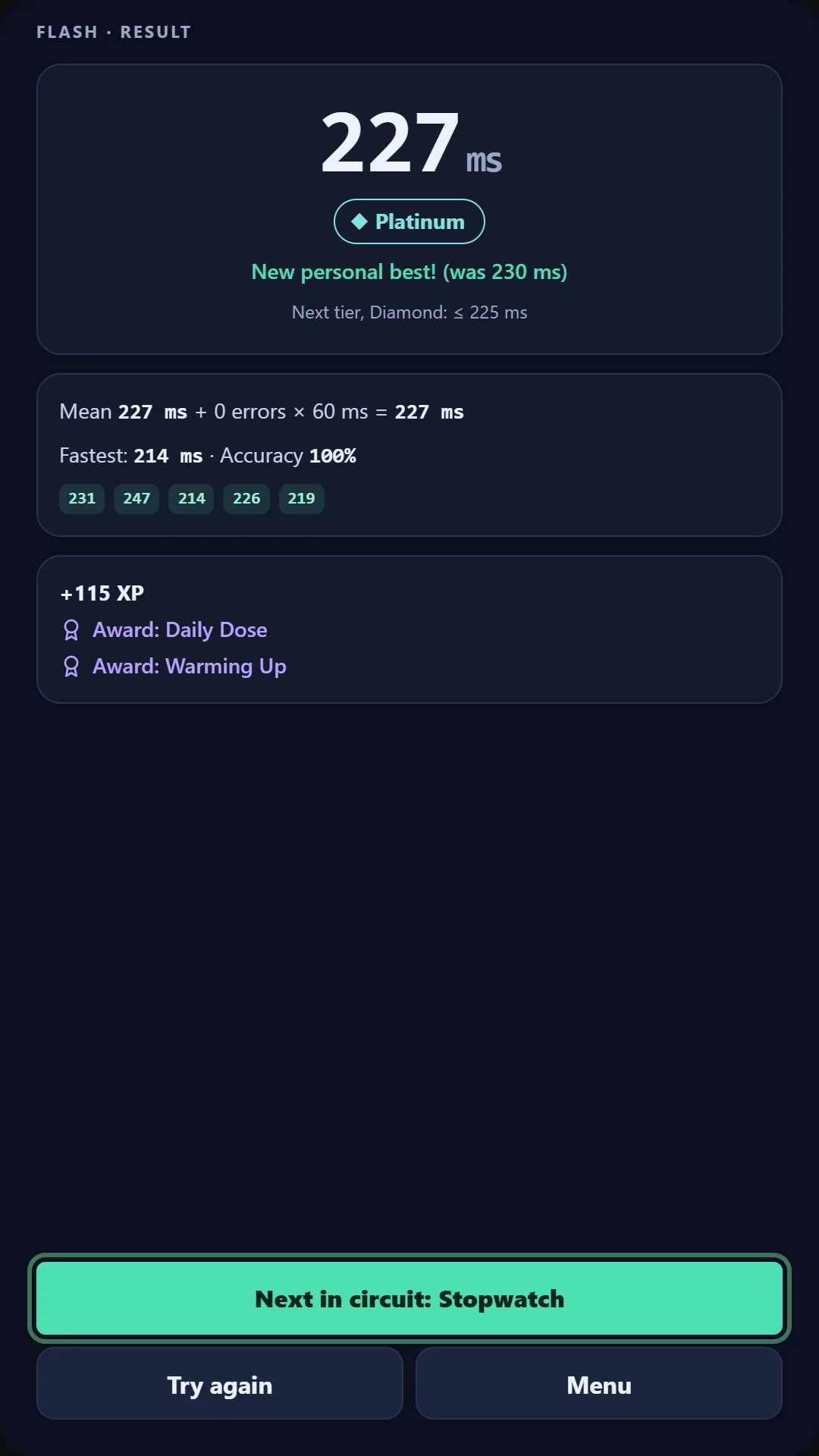
- 03214 msResultYour reaction time.
Your results are saved in this browser only. Play full size
- 6drills, all open from the start
- msevery result in milliseconds
- 5rank tiers per drill
- 0ads, sign-ups or downloads
About the test
What a reaction time test measures
Reaction time is the gap between something happening and your response to it. A simple reaction time test like Flash measures it in its purest form: one signal, one response. The result mixes how fast your eyes notice the change, how fast your brain decides to act and how fast your finger moves.
Real games and sports rarely ask for just that. You also need to aim, to pick the right response from several, and to hold back when the signal is wrong. That is why Nimbletap adds an aim trainer, a choice reaction test and a go/no-go test, plus two drills for precision and internal timing. Together they make a short reflex workout you can repeat every day and track over weeks.
Screens, mice, keyboards and touchscreens add a small delay that varies between devices. Nimbletap is a training game, not a medical or laboratory test, so compare your results on the same device for the most meaningful trend.
Six drills
One reflex test is not enough
Each drill trains a different part of quick reactions. Runs take 20 seconds to two minutes, so you can fit a full set into a short break.
- 01
Flash
Simple reaction time test
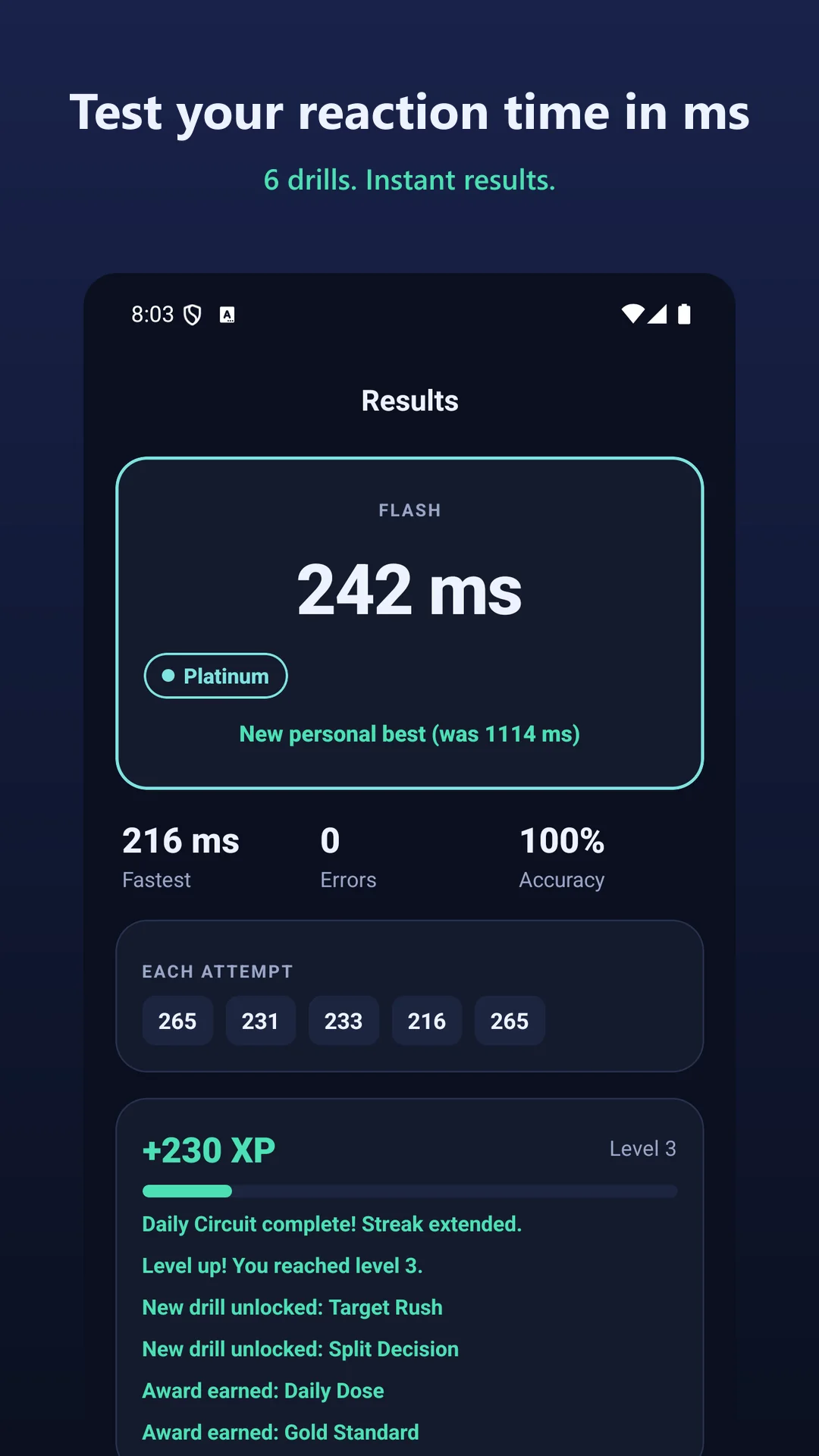
The classic test. An amber ring waits for a random moment, then turns into a solid green disc. React as fast as you can, without guessing.
5 reactionsScored in ms
- 02
Target Rush
Aim trainer
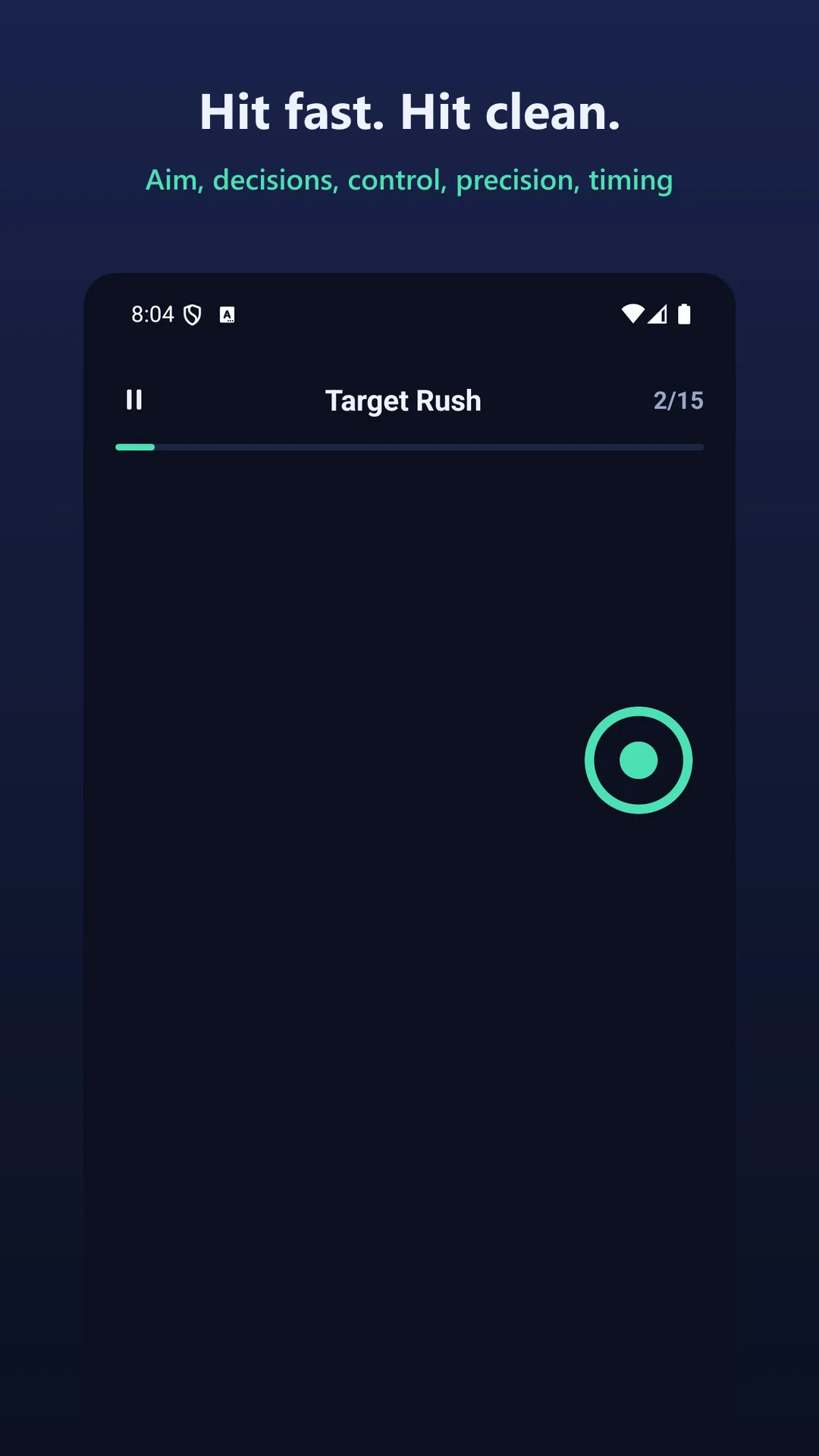
Targets appear one at a time in random spots. Hit each one quickly and cleanly: every click that misses adds time.
15 targetsScored in ms
- 03
Split Decision
Choice reaction time test
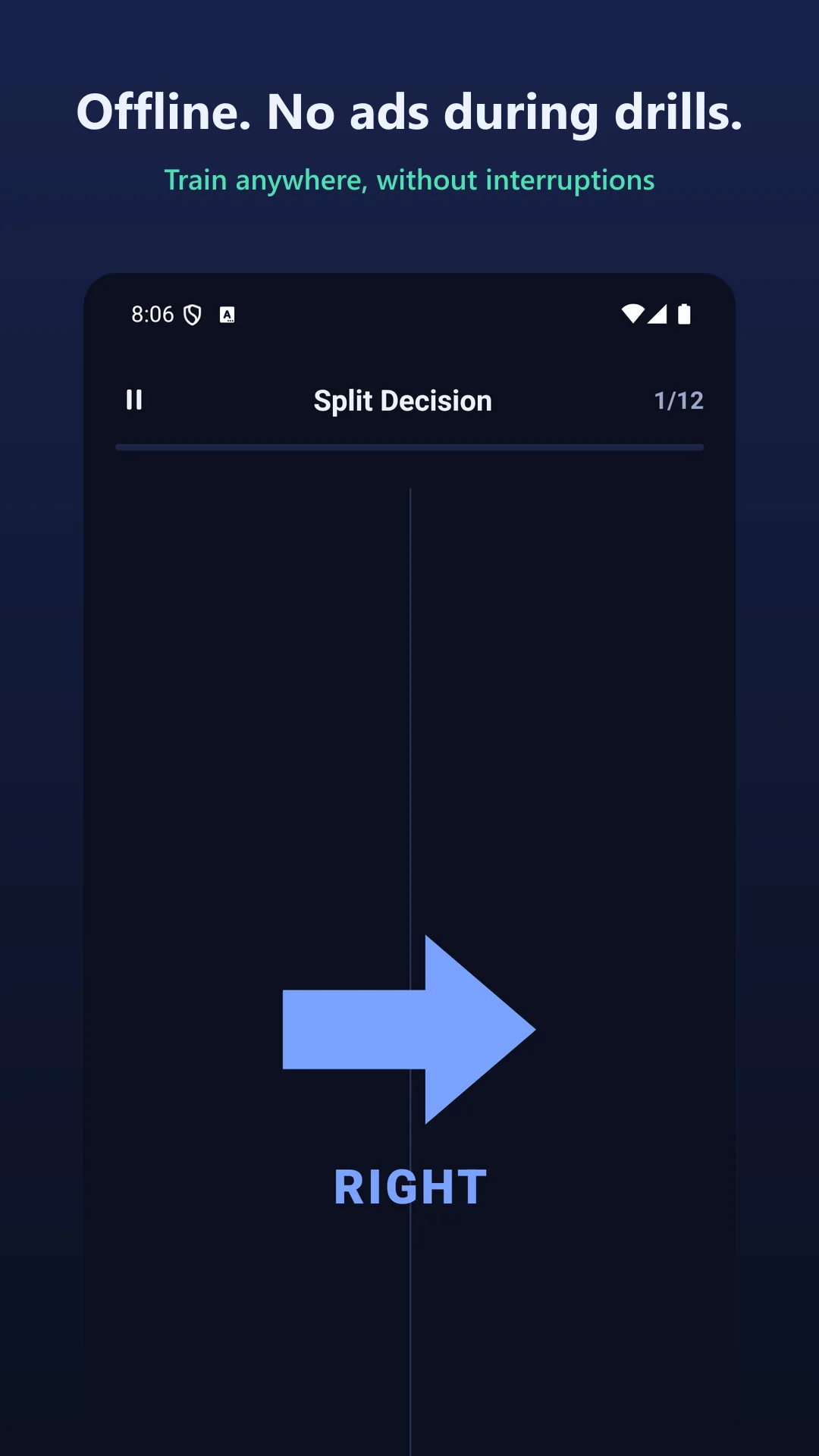
An arrow points left or right. Tap that half of the screen, or press the matching arrow key. Speed only counts if you choose correctly.
12 arrowsScored in ms
- 04
Hold Fire
Go/no-go test
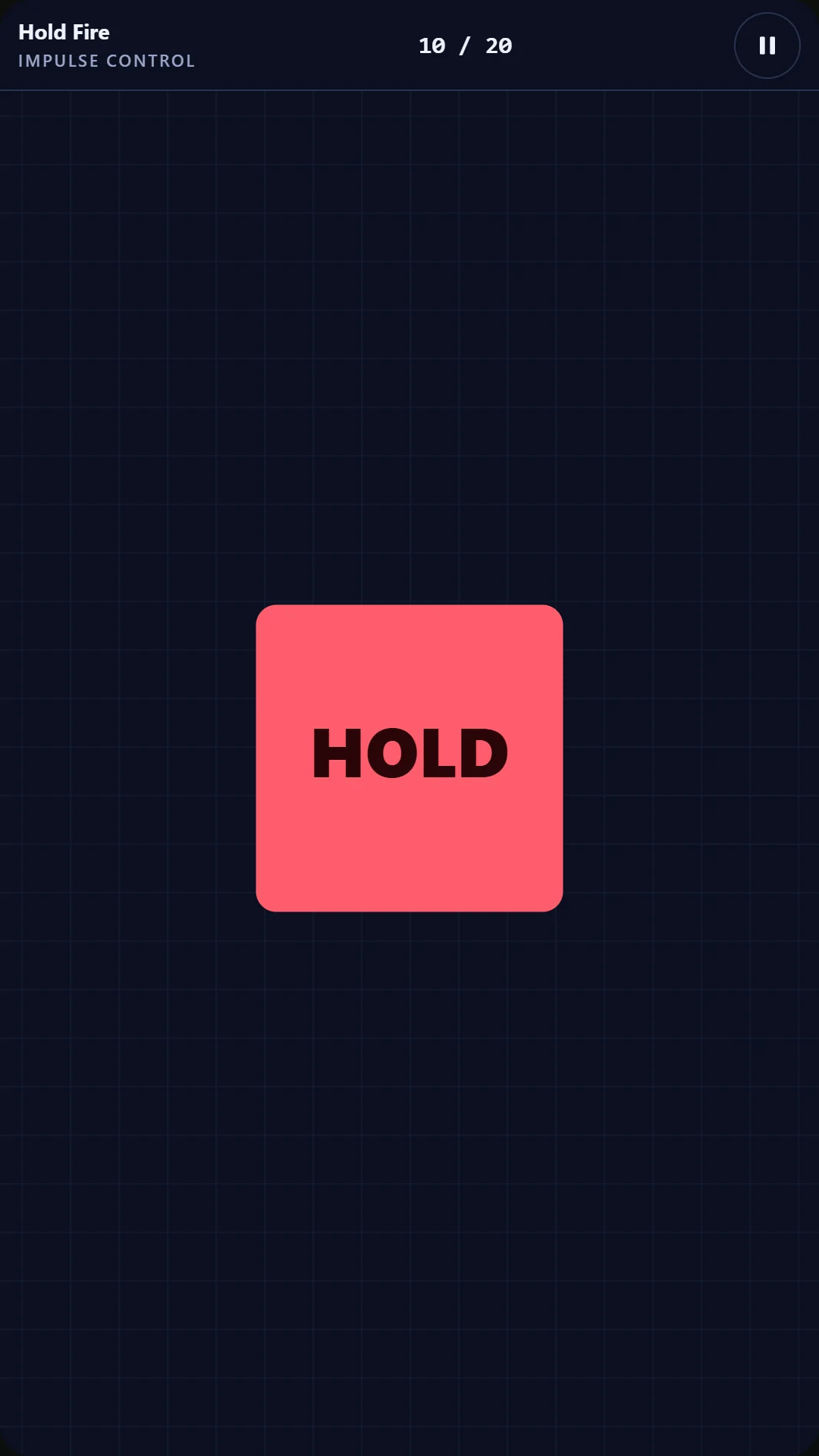
Green circles mean tap, red squares mean hold. Each shape stays for 0.9 seconds, so the drill rewards control as much as speed.
20 shapesScored in ms
- 05
Stopwatch
Stop the clock timing game
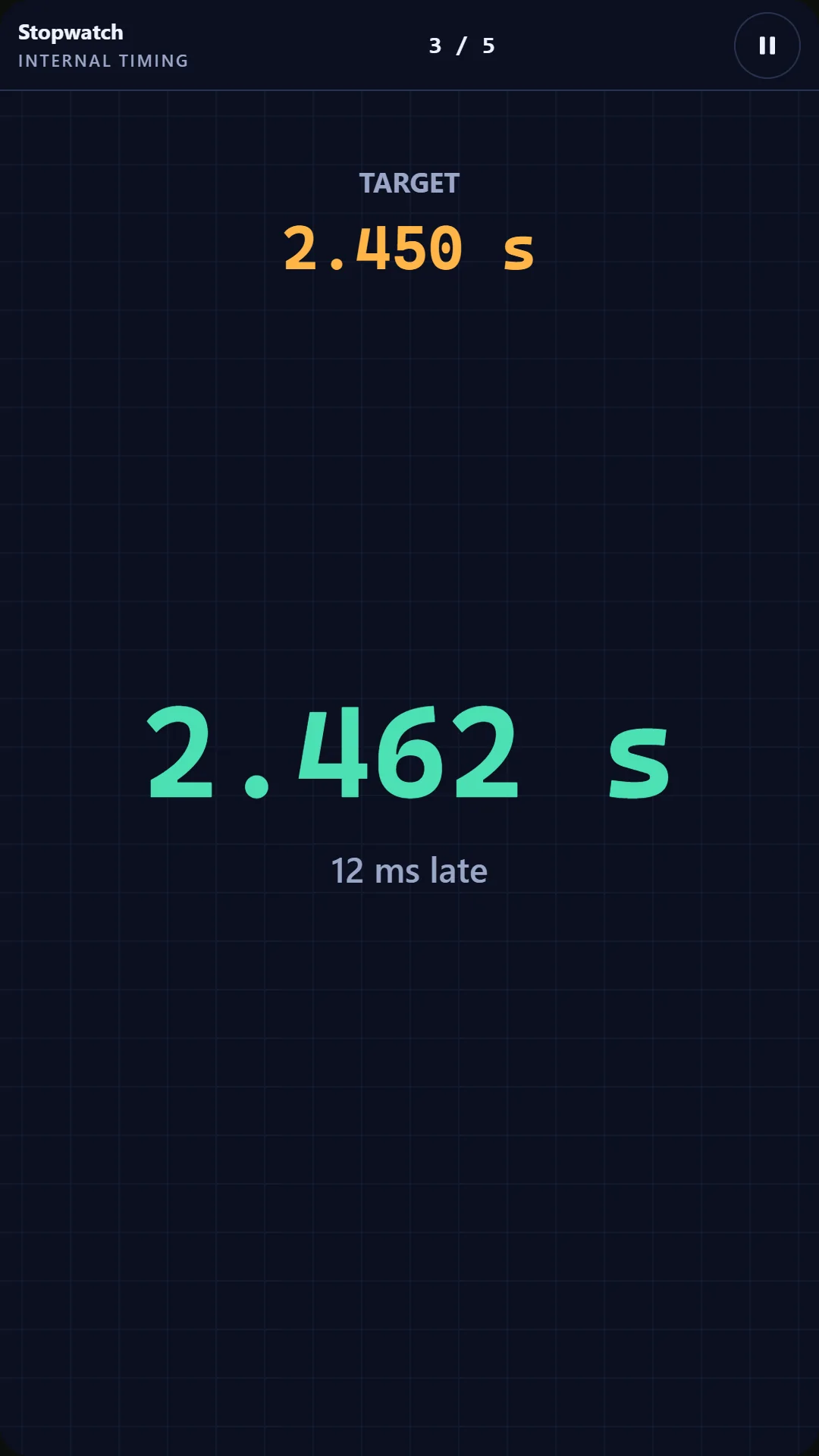
A clock counts up from zero and hides after one second. Stop it as close as you can to a target between 2 and 3 seconds.
5 attemptsScored in ms
- 06
Shrink
Precision clicking drill
Every hit makes the next target smaller, down to a few pixels, and each must be hit within 1.6 seconds. Three misses end the run.
Until 3 missesScored in hits
Rank tiers
Reaction time targets, Bronze to Diamond
Every drill has five tiers. Your score is the average of your valid reactions plus 60 ms for each error, so a clean run beats a fast but sloppy one. These thresholds are game targets for setting goals. They are not population averages or percentiles.
| Drill | Bronze | Silver | Gold | Platinum | Diamond |
|---|---|---|---|---|---|
| Flash | ≤ 420 ms | ≤ 350 ms | ≤ 300 ms | ≤ 260 ms | ≤ 225 ms |
| Target Rush | ≤ 950 ms | ≤ 800 ms | ≤ 680 ms | ≤ 580 ms | ≤ 500 ms |
| Split Decision | ≤ 600 ms | ≤ 510 ms | ≤ 440 ms | ≤ 390 ms | ≤ 345 ms |
| Hold Fire | ≤ 560 ms | ≤ 480 ms | ≤ 420 ms | ≤ 375 ms | ≤ 335 ms |
| Stopwatch | ≤ 250 ms | ≤ 160 ms | ≤ 100 ms | ≤ 60 ms | ≤ 35 ms |
| Shrink | ≥ 8 | ≥ 14 | ≥ 20 | ≥ 26 | ≥ 32 |
Shrink counts hits before the third miss. Stopwatch measures average distance from the target time.
Screenshots
Inside the lab
Captured from the browser version on this page. Select an image to open it at full size.
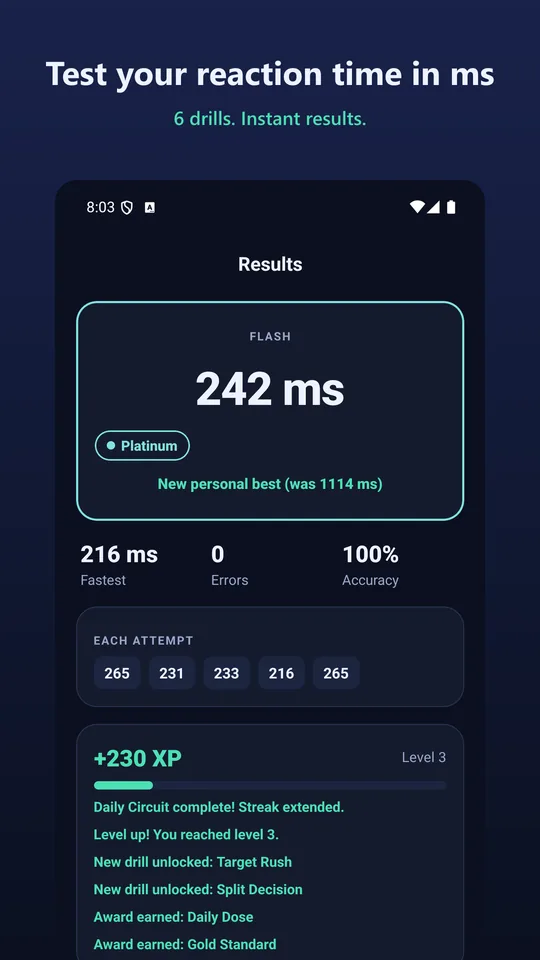
Test your reaction time in msFlash: wait for green, then tap 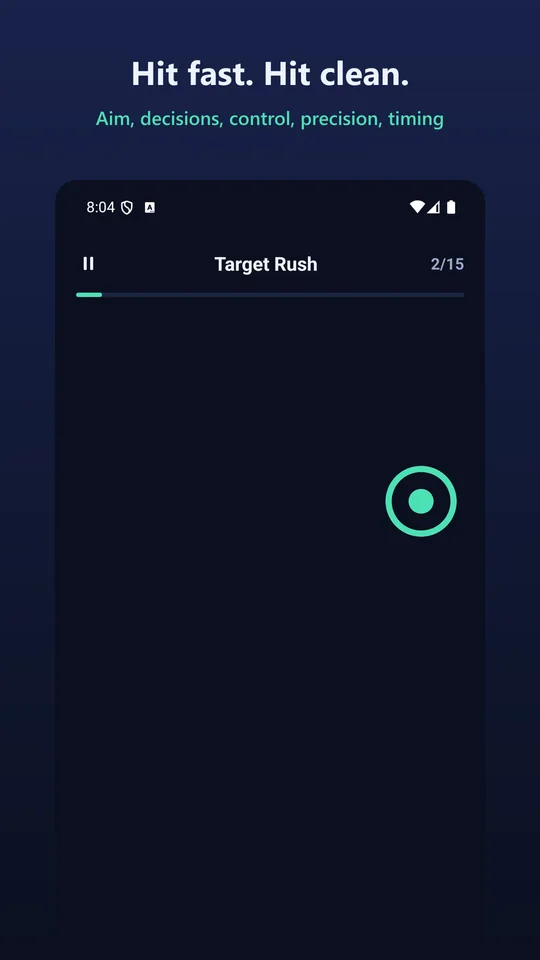
Hit fast. Hit clean.Target Rush aim trainer, 15 targets 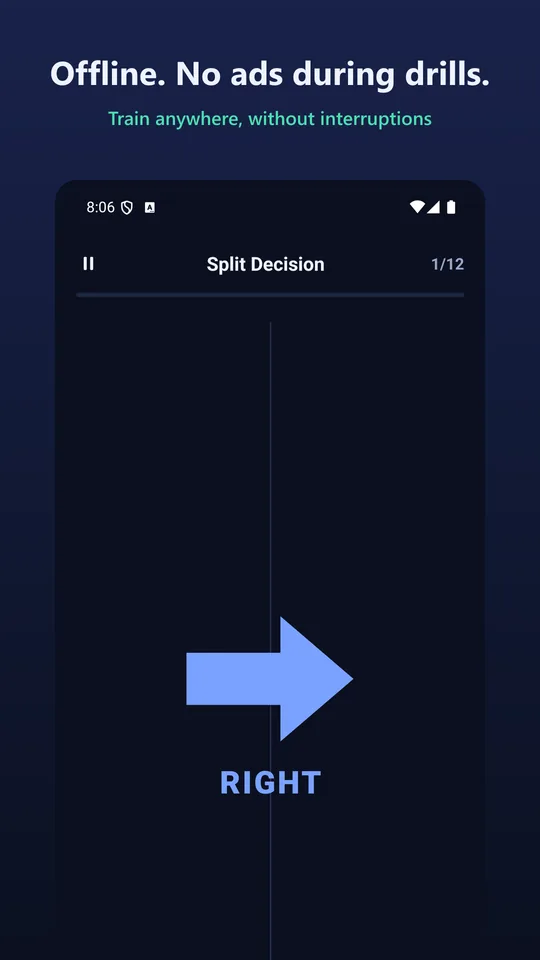
Decide, then reactSplit Decision choice reaction test 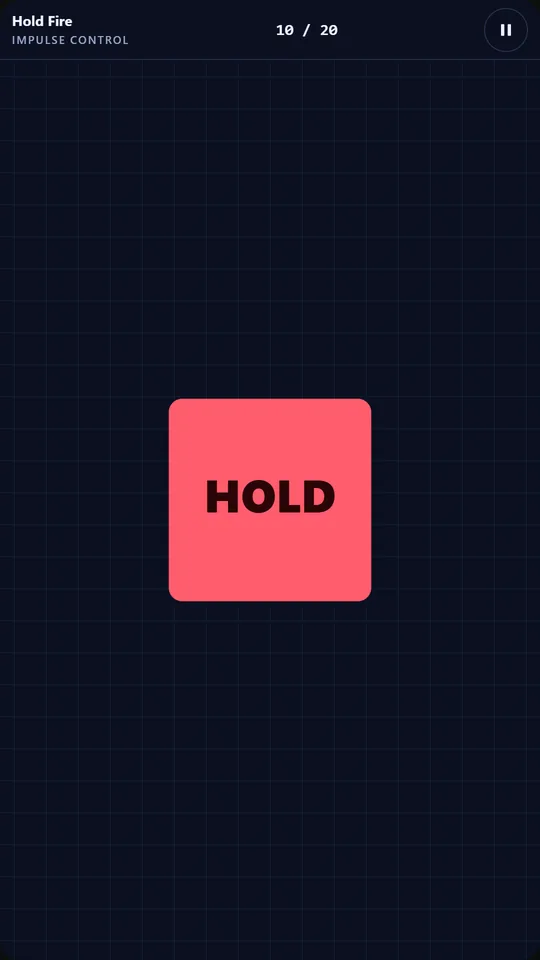
Never tap the squareHold Fire go/no-go impulse test 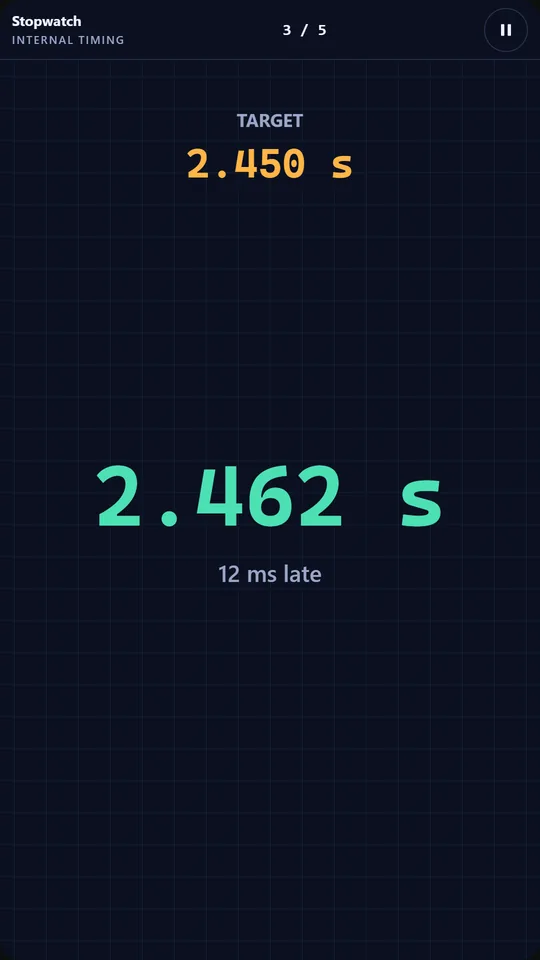
Stop the hidden clockStopwatch timing game 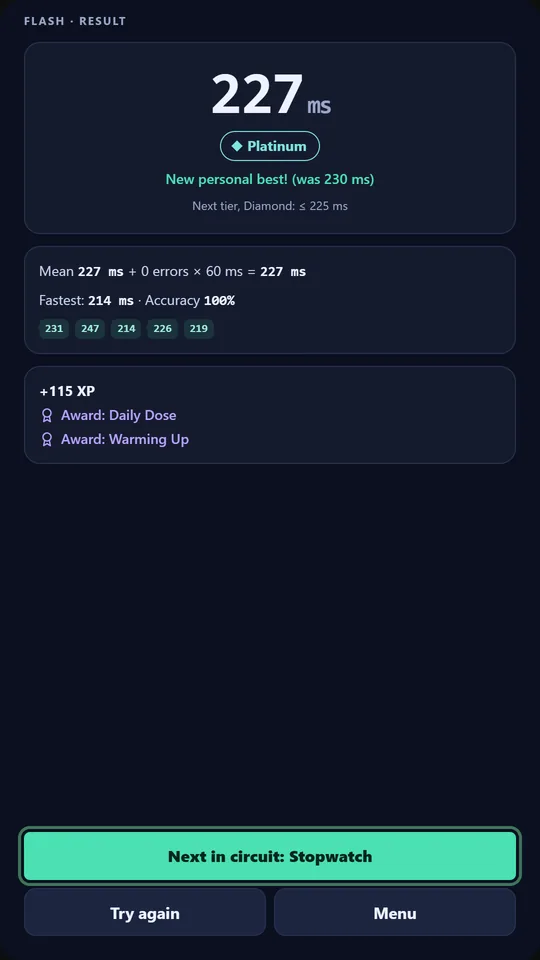
Climb from Bronze to DiamondScores, tiers and personal bests 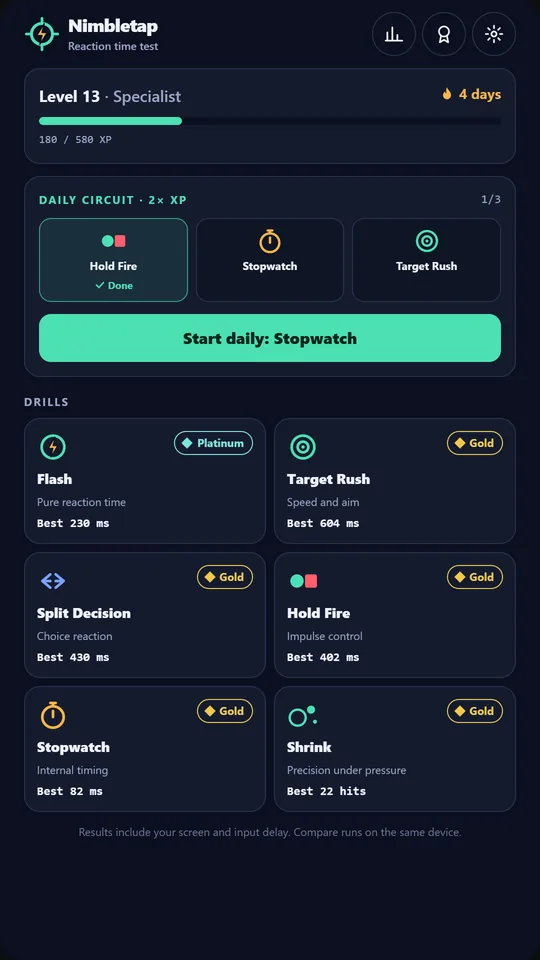
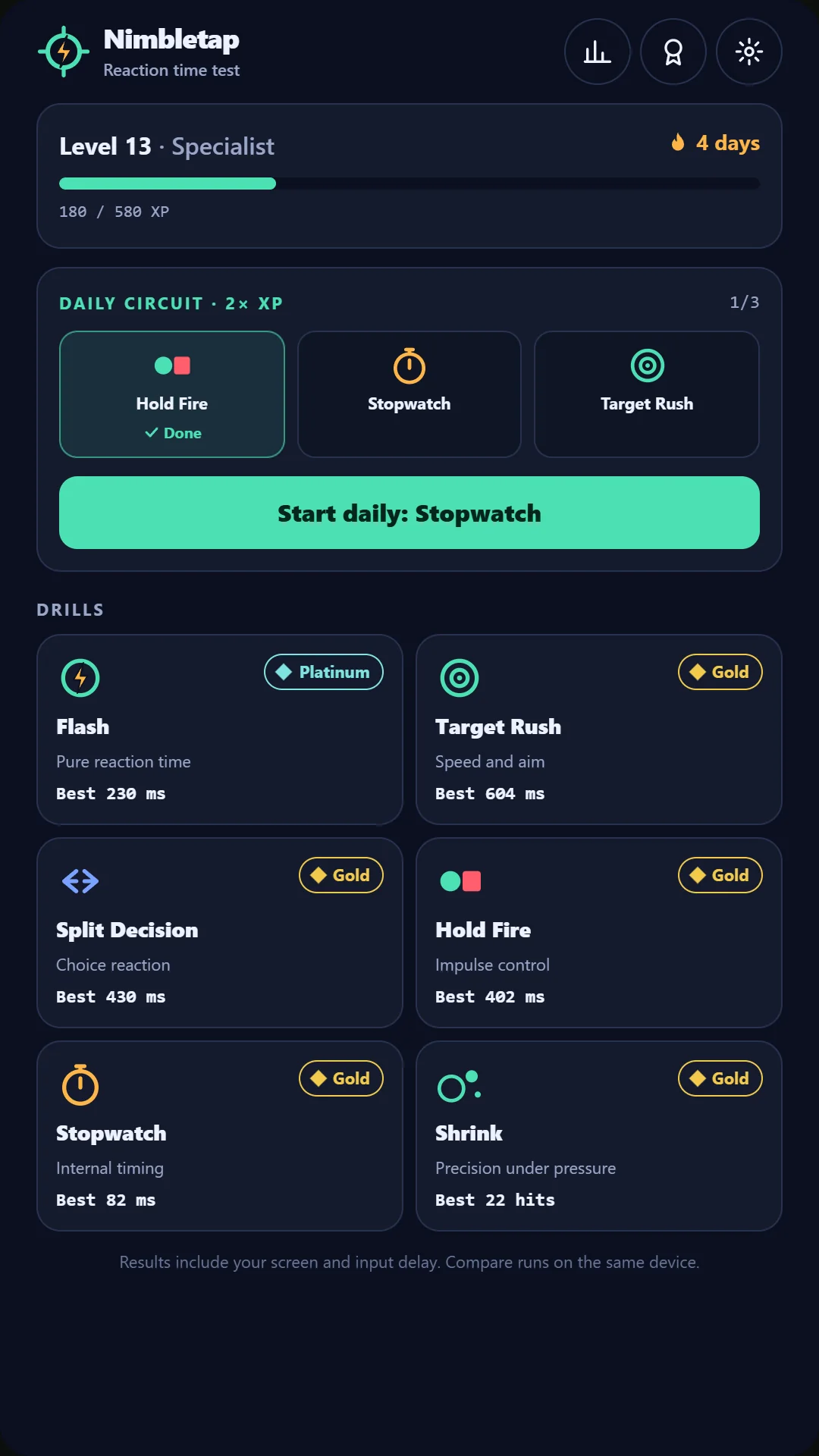
A new circuit every dayDaily Circuit, levels and streaks 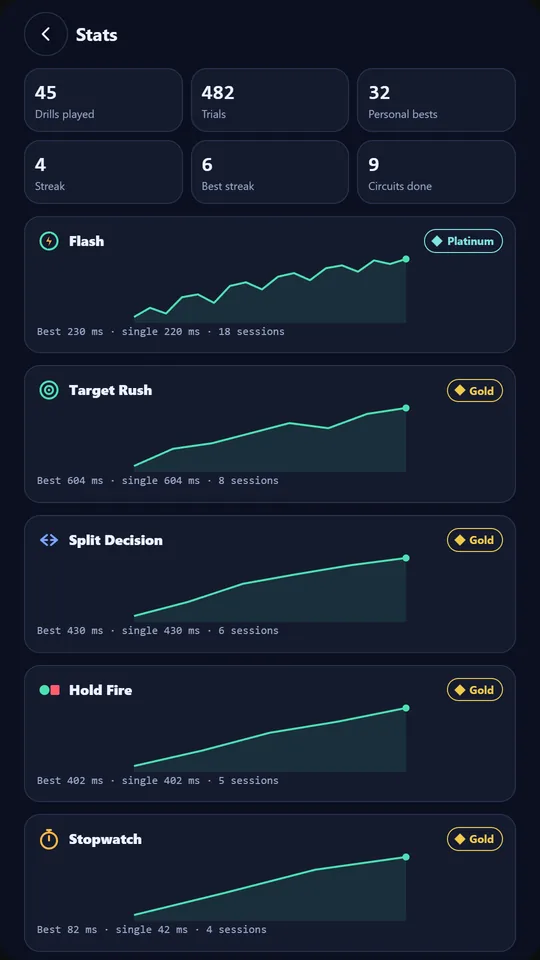
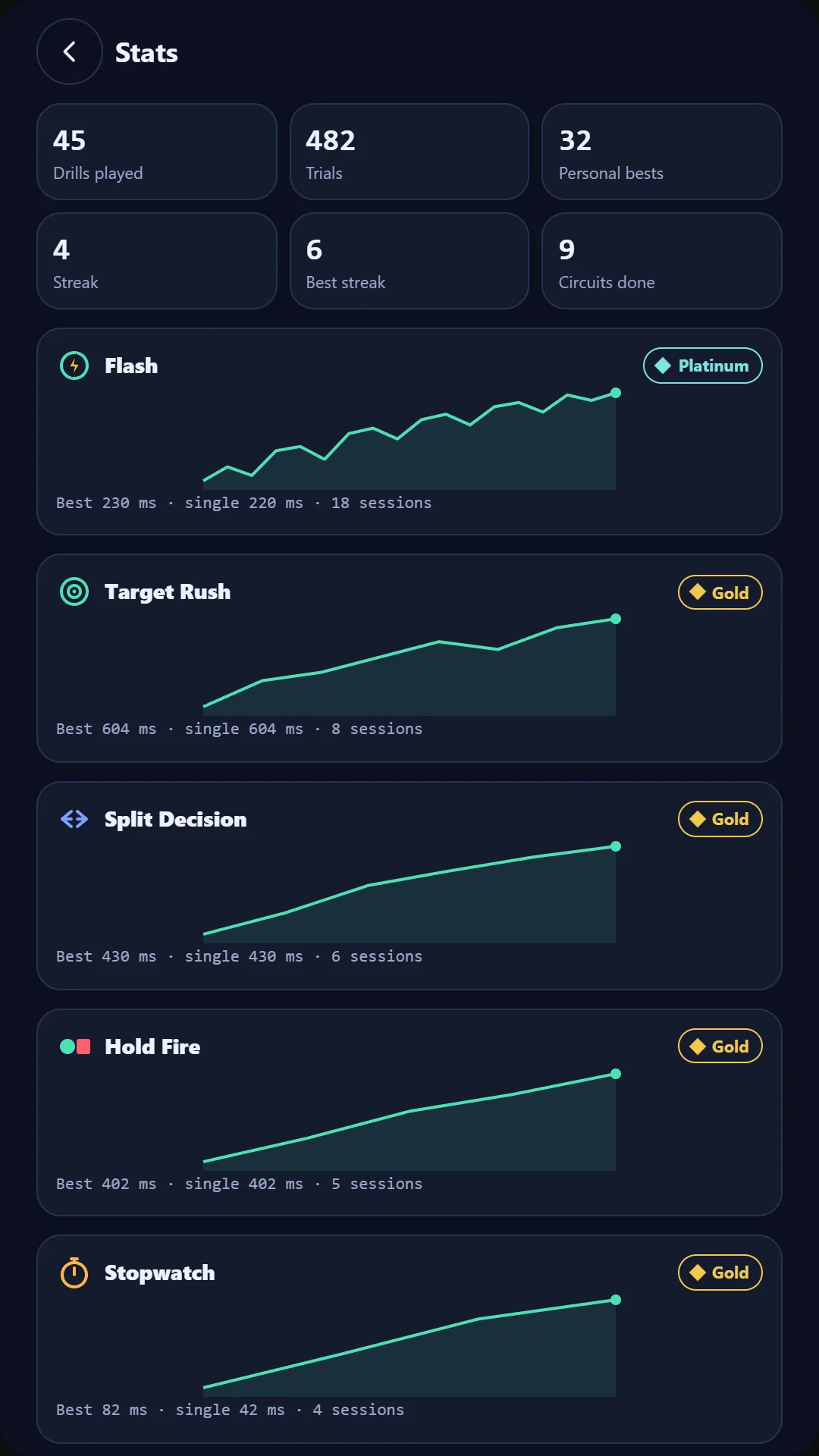
Watch yourself get fasterTrend charts for every drill
How to play
Take the reaction time test
- Press Play and pick a drill. Flash, the classic reaction time test, is the place to start.
- Read the one-line rule, then press Start. A 3-2-1 countdown gives you a moment to settle.
- In Flash, wait while the amber ring says WAIT. The moment it becomes a solid green disc that says TAP, click, tap or press Space.
- Tapping before the change is a false start: it adds 60 ms and the trial is repeated. After five reactions you get your average.
- Your score is the mean reaction time plus 60 ms for each error. Lower is better, except in Shrink, where you count hits.
- Beat the tier thresholds to climb from Bronze to Diamond, and play the Daily Circuit for double XP and a streak.
- Press Esc or P to pause. The trial in progress is thrown away and runs again when you resume.
Keyboard shortcuts
Space or Enter reacts in Flash, Hold Fire and Stopwatch. ← → answer Split Decision. Esc pauses.
Tips & strategy
How to improve your reaction time score
Warm up first
Your first two or three runs are usually your slowest. Play a quick Flash round before you go for a personal best.
React, don’t predict
The delay before GO is random, from 1.2 to 4 seconds. Guessing leads to false starts that cost 60 ms each, far more than a slightly slow tap.
Rest your finger on the button
Keep your finger touching the mouse button, key or screen. Travelling even a centimetre adds time.
Watch the centre, not the edges
In Target Rush and Shrink, keep your eyes on the middle of the play area. Your peripheral vision finds new targets faster than darting eyes do.
Count in your head for Stopwatch
Watch the first visible second closely to set your internal rhythm, then keep counting at the same pace.
Use the same setup
A wired mouse and a fast monitor read lower than a phone touchscreen. Compare runs on one device to see real progress.
Key features
A reflex trainer that gives you a reason to come back
Six drills, six skills
Flash (pure reaction time), Target Rush (aim), Split Decision (choice reaction), Hold Fire (go/no-go), Stopwatch (timing) and Shrink (precision). All six are open from your first visit.
Results in milliseconds
Every run shows your reaction times in ms, your errors and your accuracy, with the scoring formula on screen. Your personal best for each drill is saved, so you always know the number to beat.
Careful browser timing
The stimulus time comes from the animation frame that shows it and your input time from the click, tap or key event itself, using the browser’s high-resolution clock.
Rank up in every drill
Each drill has five tiers, from Bronze to Diamond. Climb them one at a time, whether your strength is raw speed, aim or precise timing.
Track your progress
Per-drill trend charts cover your last 30 sessions, alongside totals, bests, XP levels and streaks.
A new circuit every day
The Daily Circuit picks three drills each day, with the same sequences for every player and double XP. Finish it to keep your streak and collect 24 awards along the way.
Accessible by design
Every cue differs by shape and text, not only colour, so drills are colour-blind safe. Play with mouse, touch or keyboard, with a reduced-motion setting and a sound toggle.
Free, no ads, no sign-up
The browser version has no ads and needs no account. Your results are saved only in your own browser.
FAQ
Reaction time test questions
Average scores, accuracy, devices and saving, answered plainly.
What is a good reaction time?
For a simple visual test like Flash, results in a browser often land somewhere between about 200 and 300 ms, and they vary with the person, the time of day and the device. Results under about 200 ms are uncommon. Nimbletap’s Flash tiers are Bronze at 420 ms or less, Silver 350, Gold 300, Platinum 260 and Diamond 225. These are game targets, not population statistics.
How does the reaction time test work?
Flash shows an amber ring for a random 1.2 to 4 seconds, then switches to a solid green disc. The time between the frame that shows the disc and your click, tap or key press is your reaction time. Five valid reactions are averaged, and each false start adds 60 ms.
How accurate is an online reaction time test?
Nimbletap uses the browser’s high-resolution clock: the stimulus time comes from the animation frame that displays it and the input time from the event itself. Your monitor, mouse, keyboard or touchscreen still add a delay, often in the tens of milliseconds, so your results are best compared on the same device rather than between devices.
Why is my reaction time slower on my phone?
Touchscreens usually add more input delay than a wired mouse or keyboard, and screens differ in refresh rate. A phone result of 280 ms and a desktop result of 240 ms can reflect the same reflexes. Train on one device to see your real trend.
What happens if I click too early?
That is a false start. It counts as an error, adds 60 ms to your score and the trial is repeated with a new random delay, so guessing the timing does not pay off.
Can I play with the keyboard?
Yes. Press Space or Enter to react in Flash, Hold Fire and Stopwatch, and use the Left and Right arrow keys in Split Decision. Target Rush and Shrink are aim drills, so they need a mouse or touch. Esc or P pauses.
Is Nimbletap free? Are there ads?
The browser version is completely free, with no ads, no sign-up and no in-game purchases.
Is my progress saved?
Yes. Results, personal bests, levels, streaks and awards are saved in your browser’s local storage on this device. Nothing is sent to a server, and clearing your browser data or using Reset progress in Settings deletes them.
What is the Daily Circuit?
Each day Nimbletap picks three drills, with the same random sequences for every player that day. Completing a drill in the circuit earns double XP, and finishing all three keeps your daily streak going.
Is there a Nimbletap app for Android?
An Android app is coming soon to Google Play. Until then, you can play every drill here in your browser on a phone, tablet or computer.
Game details
- Platform
- Web browser: play now on desktop, tablet or phone
- Android
- Android app coming soon to Google Play
- Genre
- Reaction time test · reflex and aim trainer (arcade)
- Price
- Free. No ads and no purchases in the browser
- Controls
- Mouse, touch or keyboard (Space, arrow keys)
- Saving
- Local to your browser. No account needed
- Developer
- GameHub Official
Tap in, react, and see where you stand.
Help & privacy
Questions or a bug to report? Write to us and we will help. You can also read exactly how the game handles your data.
More arcade games
Bricklore
ArcadeBrick breaker with roguelite upgrades. Play free in your browser, no ads during play.Play free onlineAndroid soon
Nimbus Hop
ArcadeHop across a floating garden of clouds and collect the stars.Coming soon
Skyscoop
ArcadeMove beneath the night sky and catch the falling stars. Build combos, dodge meteors.Coming soon